
QR codes and scanning
Operation tasks
Assign, perform and track work at a location.
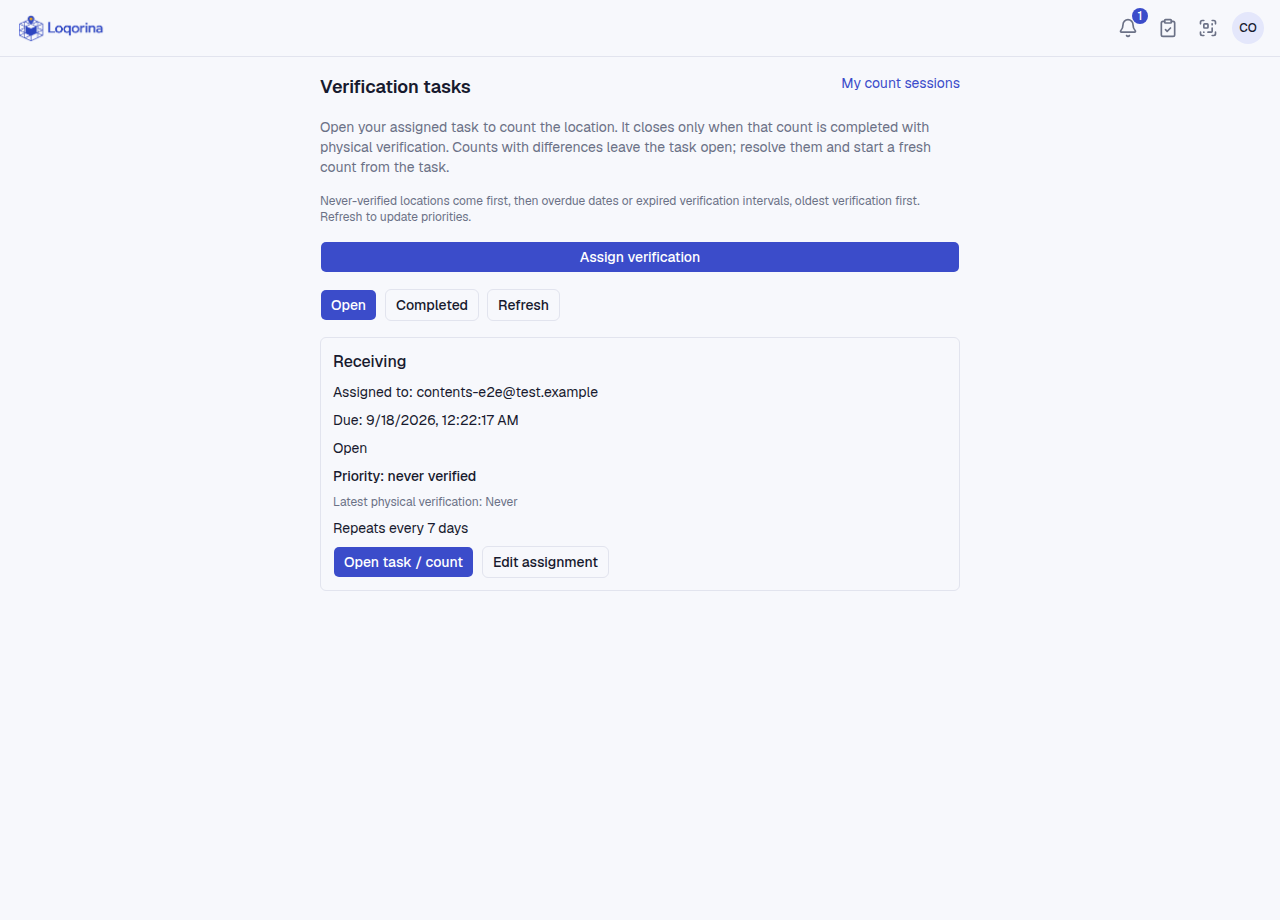
Admins and managers create a task for a location: Verification, Move or General operation. Assign an active user and set a due date and repeat interval. Follow tasks on the Board or as a List, through To do, In progress, Blocked and Completed; each task keeps its comments and history. Operators see their assigned tasks.
For a verification task, only the assignee starts the count from the task, checks the physical assets and completes the count. Do not infer completion from viewing the task list; check its associated count result. Track the next check in the task list for repeating work.
Notifications appear under the bell and surface assigned and overdue work; manage notification preferences on that page. Reading a notification does not perform a physical check or complete a count.
Screenshots use fictional example data. Application screens are available in Turkish or English.
A verification task closes only when its linked count completes with physical verification. Differences leave it open; resolve them and start a new count from the task.