
Account
Team accounts and invitations
Choose roles correctly and invite your team.
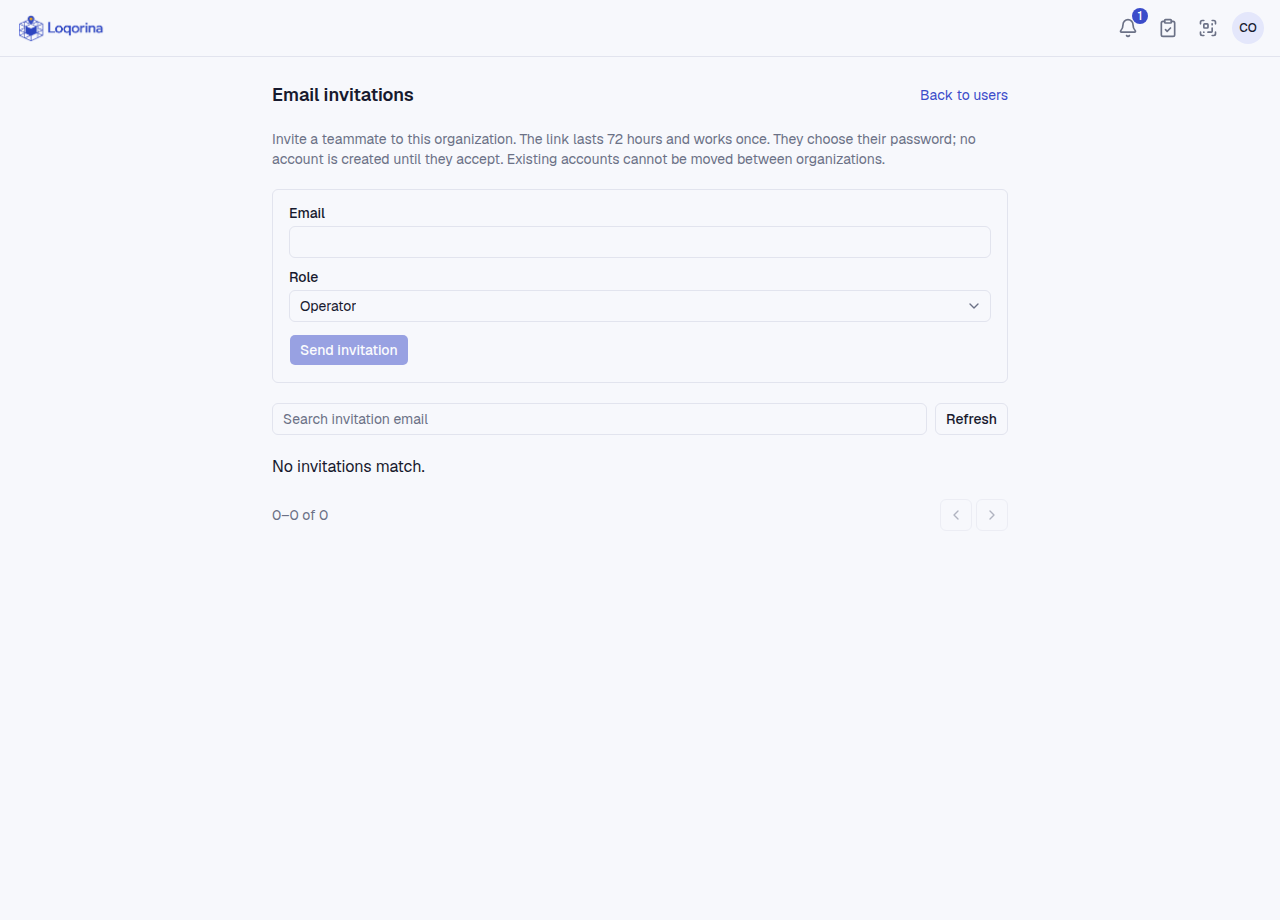
Admins manage users and invitations. Managers can set up warehouses, import and perform authorized operations, but cannot manage users; they do not outrank admins. Operators perform daily scans/searches without setup or contents-import rights.
As an admin: account menu → Users → Email invitations. Check email and role, then send. Links last 72 hours and work once; recipients choose their password. No account exists until acceptance. Existing accounts are not moved between organizations; invitations can be revoked. The last active admin is protected. If email sending is not configured, contact your administrator.
Screenshots use fictional example data. Application screens are available in Turkish or English.