
Import
Odoo and ERPNext connections
Import supported serial-tracked assets with explicit control.
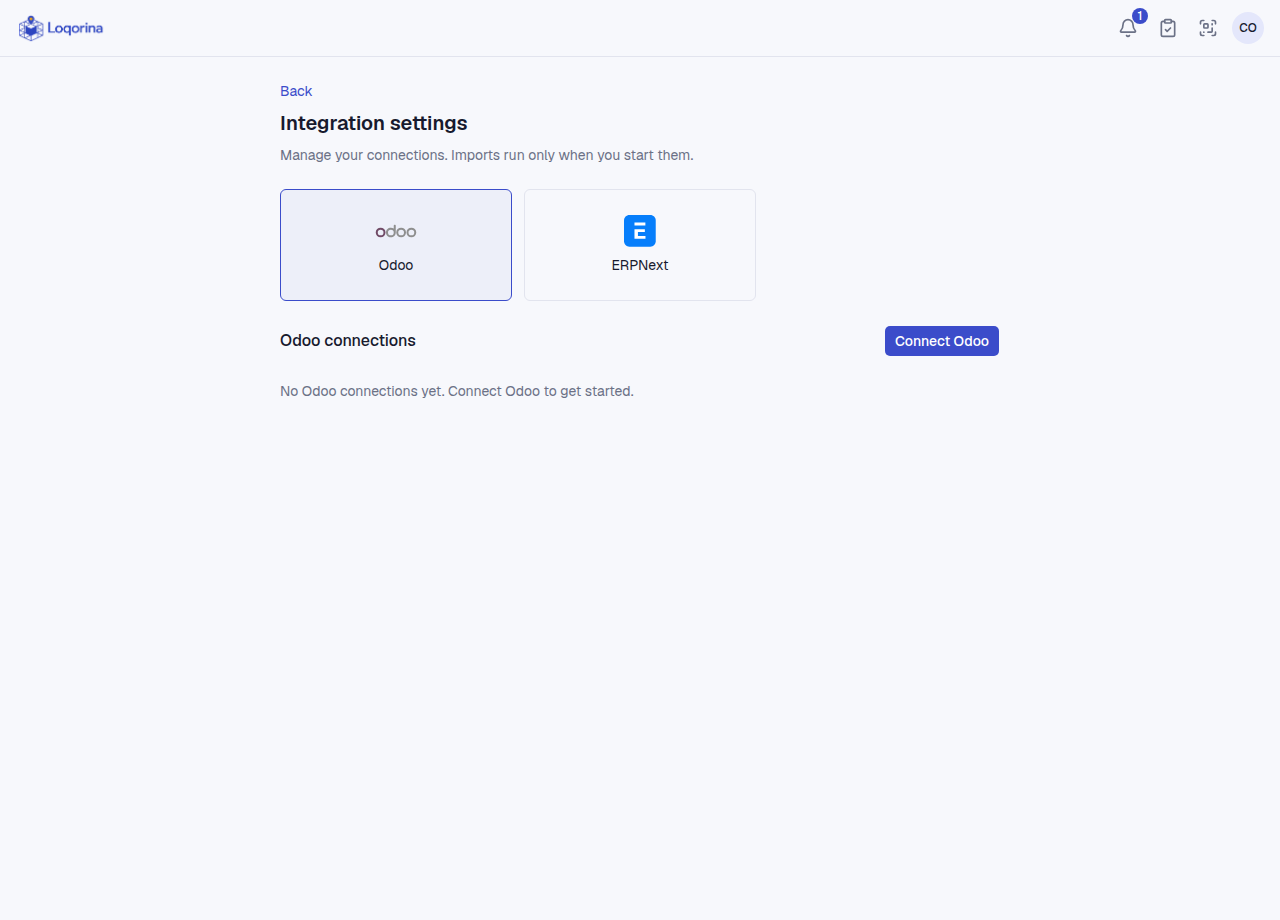
An admin configures the connection in Integration settings; the company and warehouse are fixed on the connection. In warehouse → Import, choose Odoo or ERPNext and map its warehouses or addresses to existing Loqorina locations. Inspect results and errors before importing supported records. Import history shows run outcomes, the last fully successful import and row errors.
This is not general ERP stock synchronization: scope is supported individually serialized assets. Bulk quantities are not expanded into that many assets; quantities and costs are not written back to the ERP. Locations of existing assets in Loqorina are always preserved; only new assets get an initial location, and no racks are created. Odoo and ERPNext source identities are separate. Never place access keys in documentation, screenshots or shared links.
Screenshots use fictional example data. Application screens are available in Turkish or English.