
Assets
Photo delivery records
Keep a separate visual record of receiving or pre-dispatch condition.
Create a record
Open an asset in Assets → Photo delivery record. Choose operation and location, then add 1–5 JPEG/PNG/WebP photos using the camera or file picker. Each photo may be at most 5 MiB and 20 megapixels. Add an optional note, review and confirm.
Internet is required. Wait for the server result; leaving or refreshing loses an unsaved draft. If the outcome is uncertain, check delivery history first.
History and limits
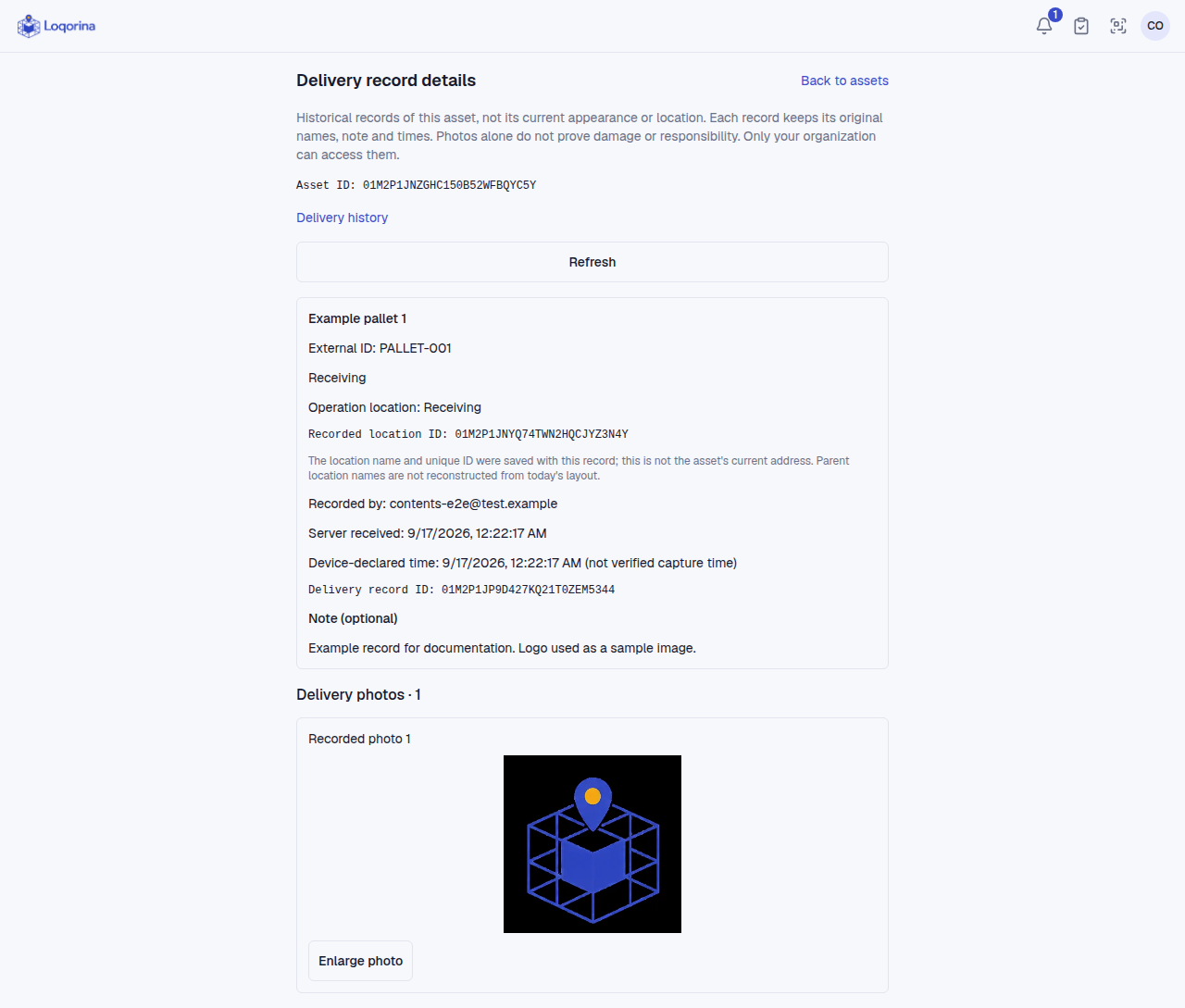
Open delivery history from the asset card to inspect records and photos. Server receipt time differs from device-declared time; the latter is not verified capture time. Access is restricted to the organization.
Recording does not move the asset, change quantities or replace its profile photo. A photo alone is not proof of damage or liability. Admins/managers can void with a reason: photos are removed, while the record and reason remain. The logo in the screenshot is only a sample photo.
Screenshots use fictional example data. Application screens are available in Turkish or English.