
Import
Importing assets from Excel or CSV
Create assets and update existing records by external ID.
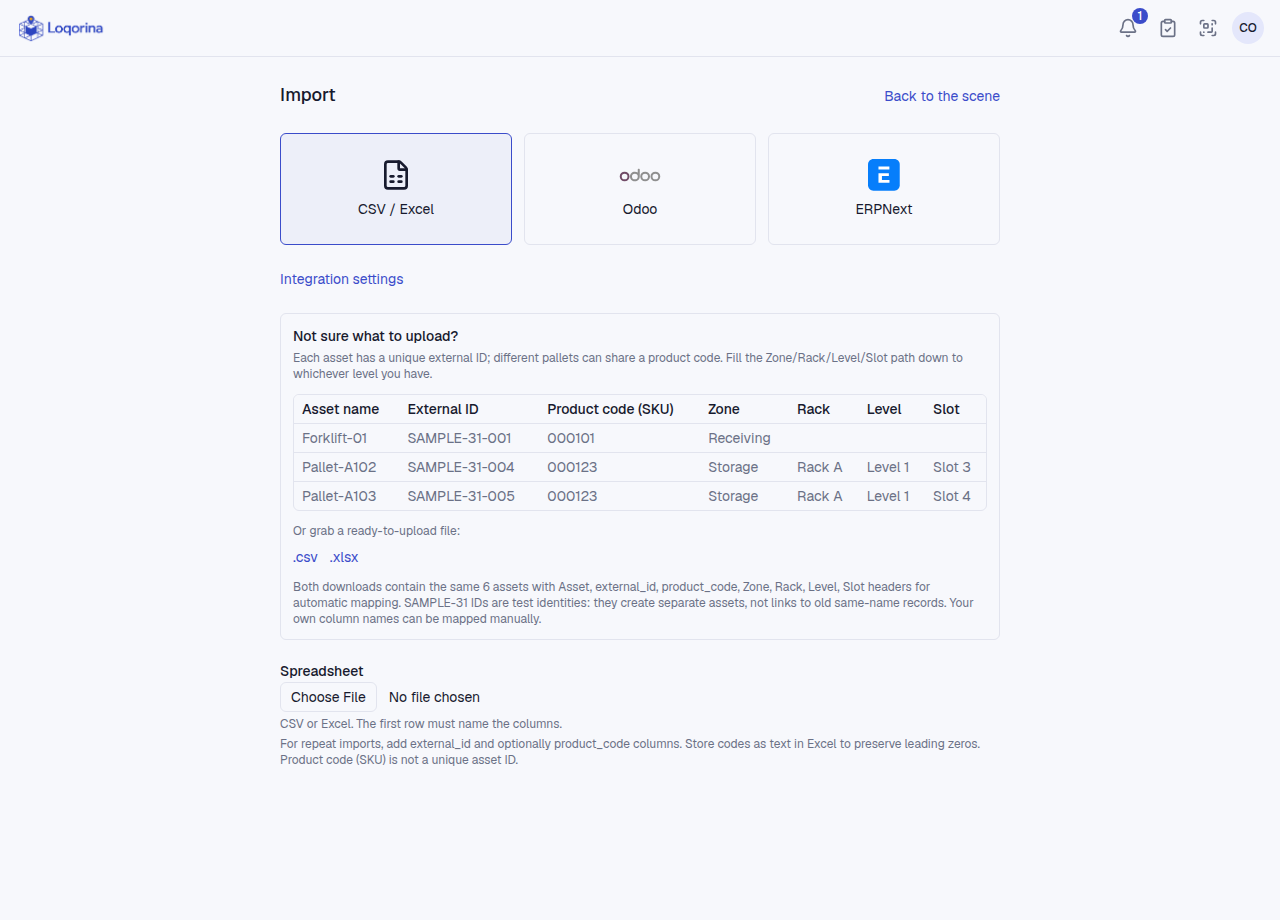
Open a warehouse → Import → CSV / Excel. Choose a file and map columns, including asset name and external ID. Identity matches across the organization, not just the selected warehouse; names are not identity keys. Store codes with leading zeros as text in Excel.
Preview new, updated, unchanged and invalid rows, then apply valid rows. Check reported errors afterward. A new ID creates a new asset; absent assets are not deleted.
New assets use file locations. Existing locations are preserved by default; only an admin can explicitly enable location corrections and approve previewed moves. This import does not update pallet-content quantities; use Asset contents for that.
Screenshots use fictional example data. Application screens are available in Turkish or English.