
QR codes and scanning
Location counts
Check physical asset presence and review differences.
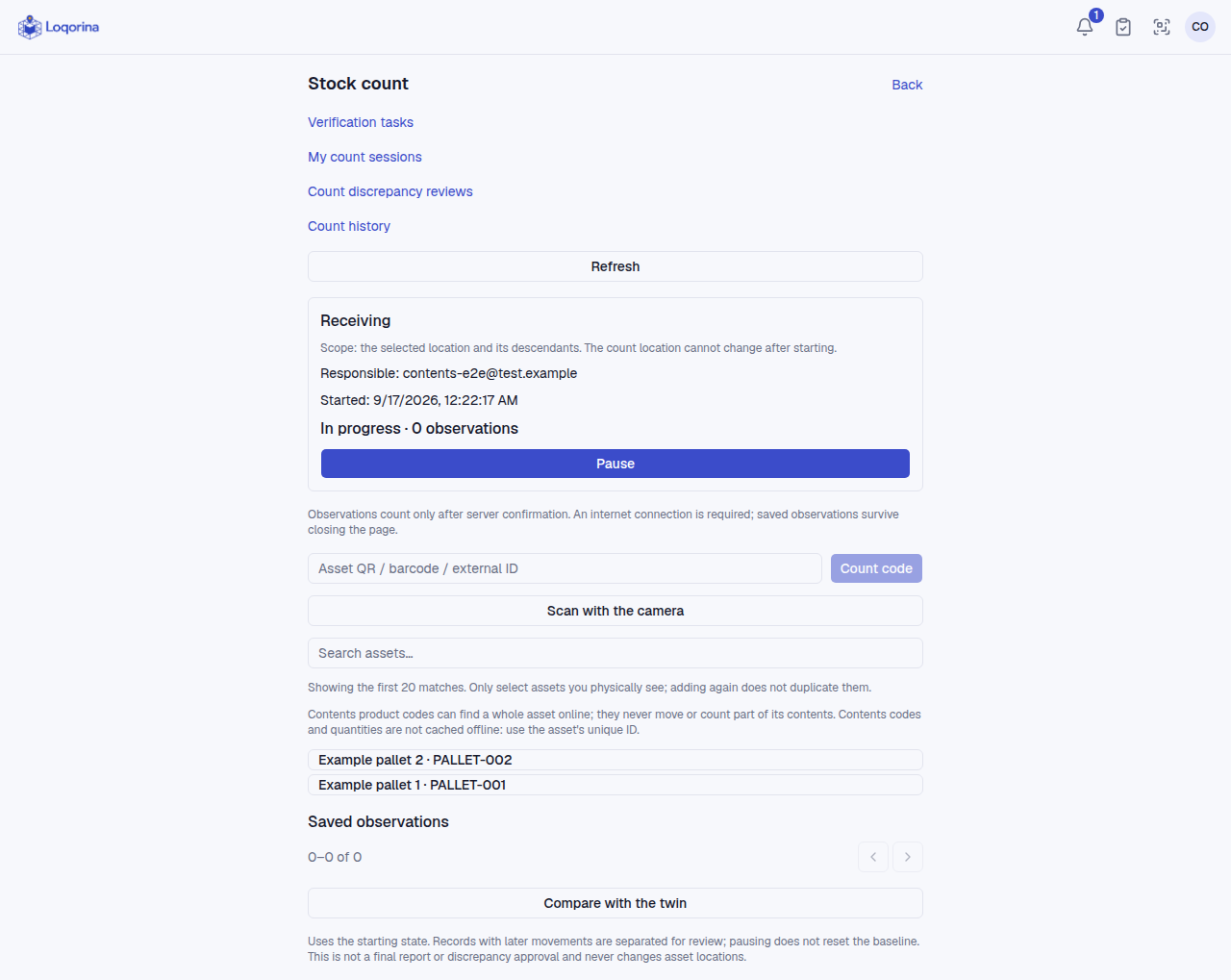
Start a count for a location. The expected asset list is captured at the start. Mark the assets you physically find; you can pause and resume the count.
Review missing and unexpected assets before completing it. Changes made during the count may require another check. A difference does not automatically move an asset: an authorized review separately records a move or a decision to keep its location.
Open previous counts and their reports, or download a report as CSV. Counting does not measure the products inside a pallet. Counting a parent location does not physically verify every child slot.
Screenshots use fictional example data. Application screens are available in Turkish or English.