
Account
Resetting a forgotten password
Regain access through an email link.
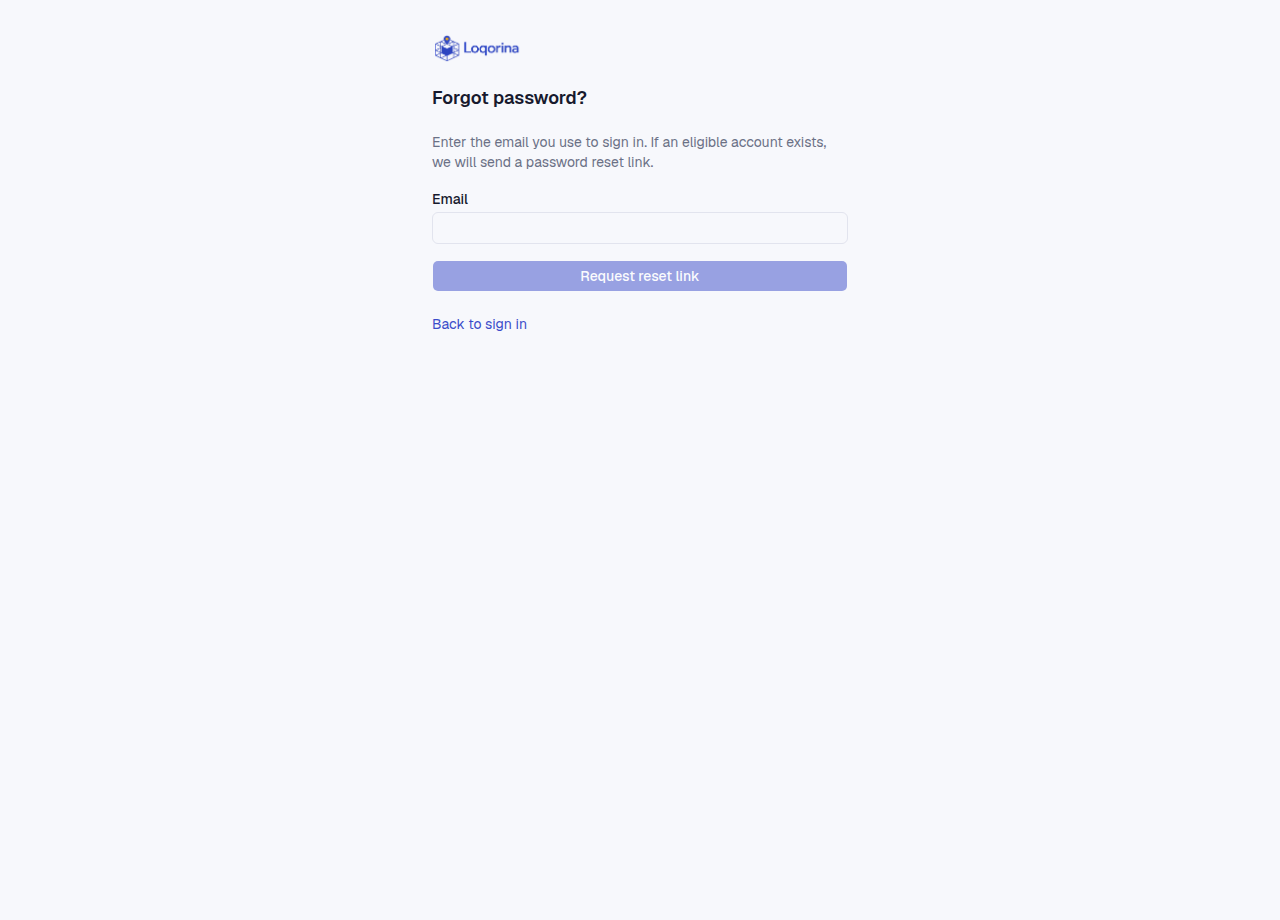
On the login screen open Forgot password, enter your login email and request a link. The same response appears whether an eligible account exists or not, to protect account privacy; it does not prove email delivery.
Check inbox and spam. The link lasts 30 minutes and works once. Wait at least one minute before requesting again; at most three emails are sent per hour. Enter the new password twice and confirm. A successful reset closes all sessions; sign in with the new password. If mail never arrives, ask your administrator to check sending configuration and delivery failures. Do not share the link.
Screenshots use fictional example data. Application screens are available in Turkish or English.