
Import Warehouse Data from Excel or CSV
Do not retype your asset and location lists. Map spreadsheet columns and bring existing warehouse data into Loqorina from Excel or CSV.
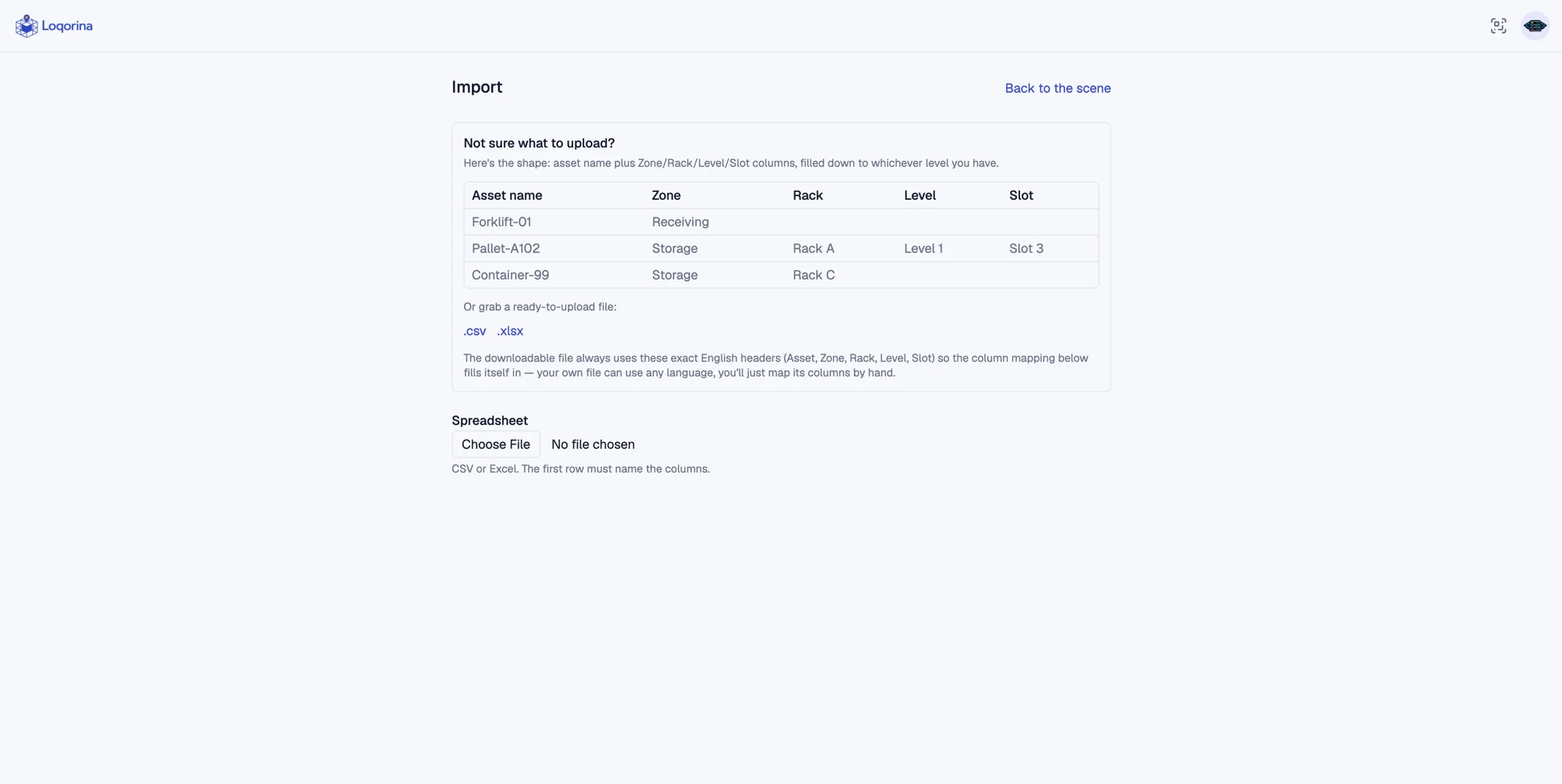
Your warehouse data may already live in a spreadsheet. Getting started does not need to mean re-entering it all. Loqorina reads asset names and location columns from an existing file, connecting the records to physical addresses. Your first step can start with the data the team already maintains.
Prepare the file you already have
Organize asset names and zone, rack, level and slot information in an Excel or CSV file. Start from the available template or map the headings in your own spreadsheet during import.
See problems by row
Problems such as empty asset names or incomplete location paths are reported against their rows. Invalid rows can be skipped while valid ones import, so one broken record does not have to block the entire file.
Separate imports from daily moves
Re-importing an unchanged file does not create duplicate records. After onboarding, record physical moves with scans or explicit move actions. A normal import does not change an asset's current location; only an admin can explicitly choose to correct existing locations from a file.
Scope and limitations
File import is not continuous, two-way Excel or WMS synchronization. It does not take over accounting or order records; it adds location and asset visibility alongside your existing system.