
Inside the QR scan: how Loqorina keeps a warehouse twin honest
A digital twin is only as good as its last update. Here's how Loqorina's QR scan pipeline keeps location data current without extra paperwork.
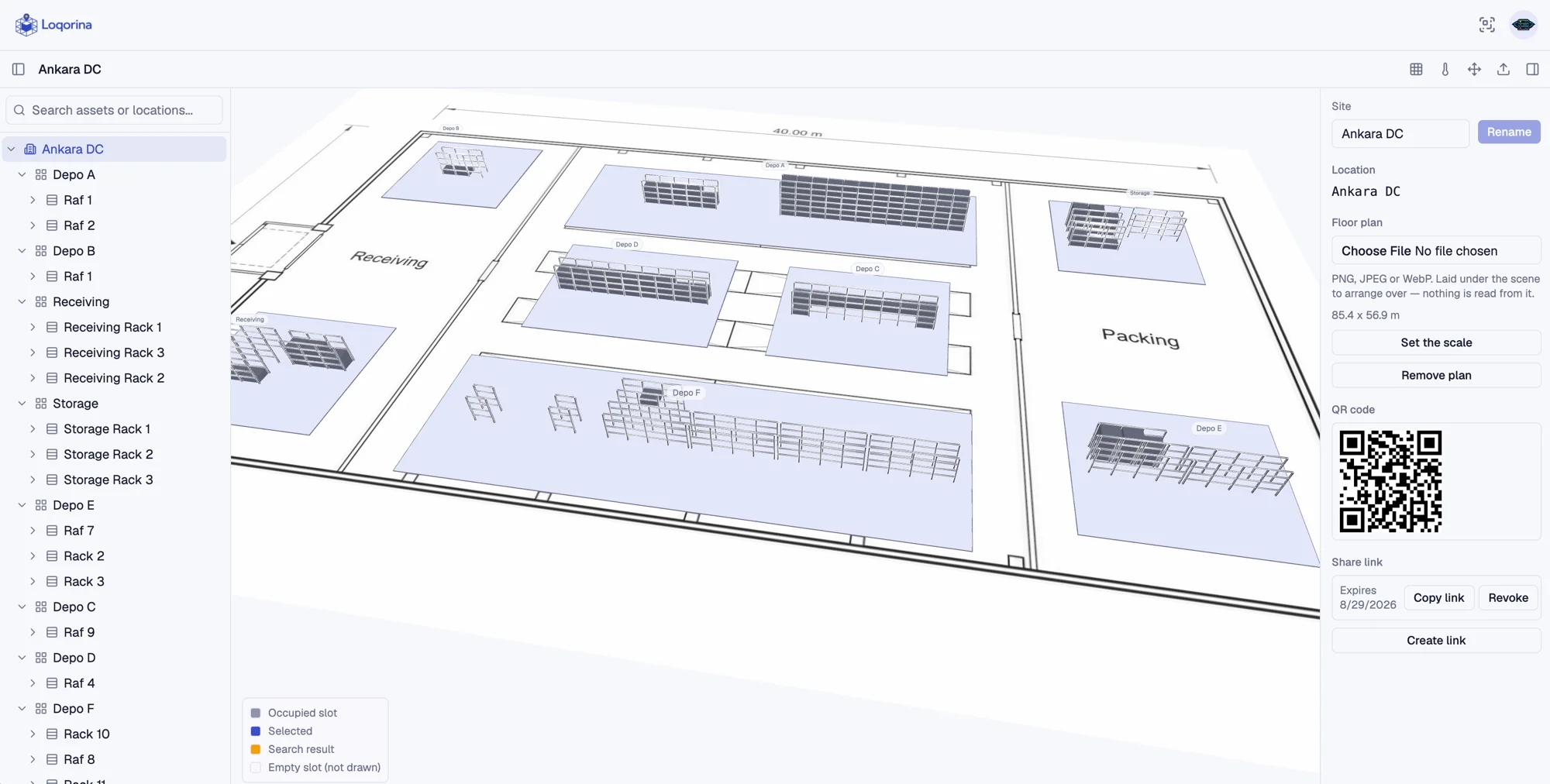
A stale twin is a dead twin. If the map doesn't match reality, people stop looking at the map, and you're back to walking the floor to find things. So the real engineering problem behind Loqorina was never the 3D scene. It was making sure the data behind it never has a reason to drift.
Every location and asset gets an identity
Every zone, rack, level, and slot in Loqorina has a stable ID and a QR code. Every asset gets one too, whether it's a pallet, a bin, or a piece of equipment. Scanning a code doesn't just look something up. It's the event that updates the system.
Events, not fields
Under the hood, an asset's location is never a field you edit directly. It's a projection built from an append-only log of scan events: who scanned what, where, and when. That sounds like a small implementation detail, but it changes what the system can tell you. You don't just know where something is now. You know its full movement history, which means you can answer questions like "when did this pallet last move" or "who scanned this rack this week" without a separate audit trail bolted on afterward.
Built for the floor, not the office
Warehouse wifi is unreliable, and workers don't stop working because a signal dropped. The mobile scan flow queues events offline and syncs them when a connection comes back, so a dead zone in the corner of the warehouse doesn't mean lost data. It means a short delay.
Why this matters more than the 3D scene
We could have spent our time on lighting and camera easing. Instead we spent it on making the scan reliable, because the scan is what everything else depends on. Search only flies the camera to the right answer if the data behind it is current. A freshness dashboard only means something if "freshness" is measured against real events, not a schedule.
The 3D view is how you look at the data. The scan is how the data stays true.
Apply this in your warehouse
Give assets and locations QR identities. Scan with a phone, record moves and queue scans on the device when the warehouse connection drops.